ZhiCloud / Environmental intelligence

A living world.
A clearer view.

Bring field observations, site knowledge and AI analysis together. Understand what changed, follow the evidence and decide what comes next.

FIELD INTELLIGENCE / CONCEPT VIEW
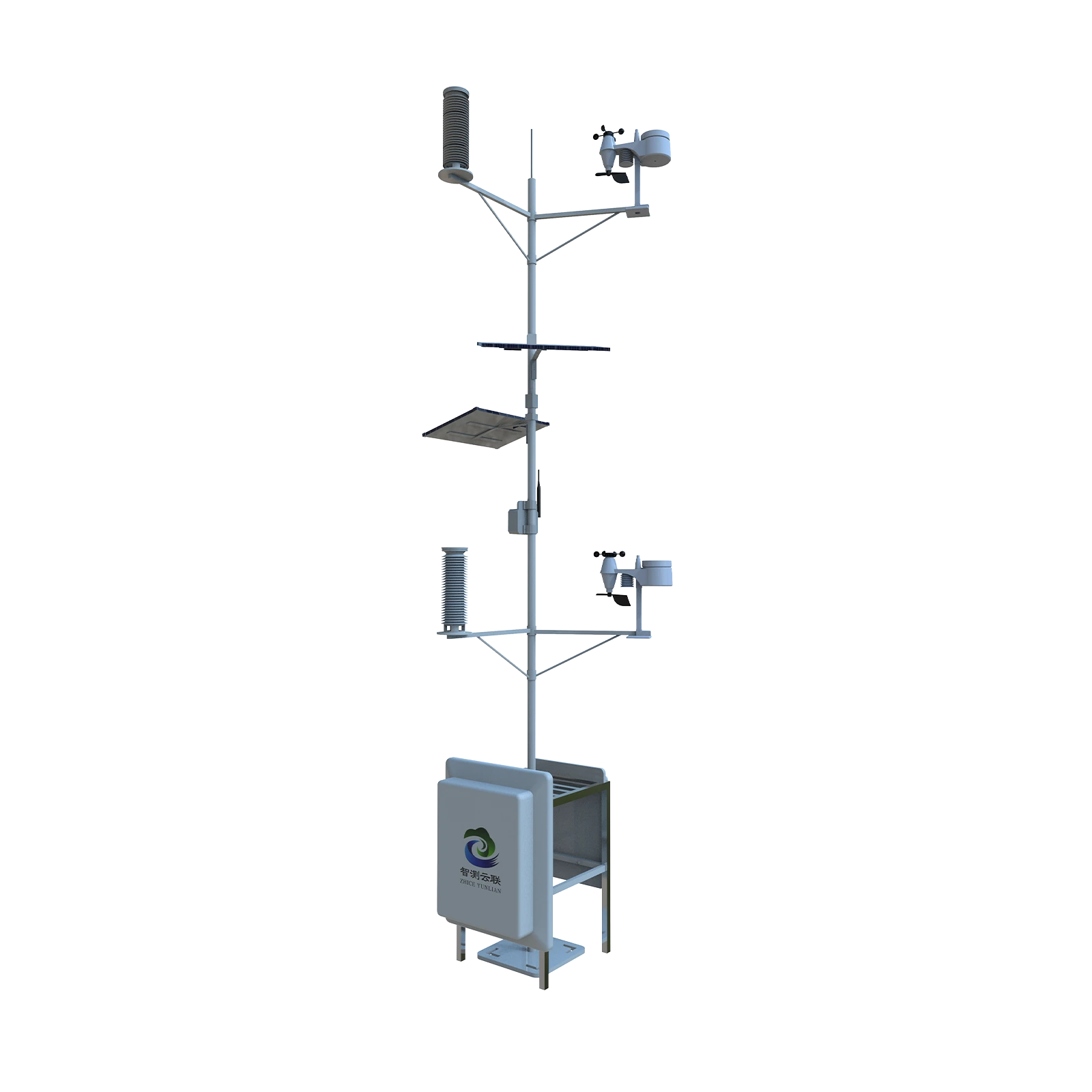
Weather station
Soil profile
Field observations
ZHICLOUD AGENT

A better question

What changed in the field,
and what should we review?

Observations → Evidence → Operator review

ENVIRONMENTAL MONITORING × APPLIED AI

The world is your workspace

Every environment.
A different question.

Explore how field measurements, site context and AI analysis fit together. Select an environment to see the connection.

FIELD APPLICATION / PEST MONITORING

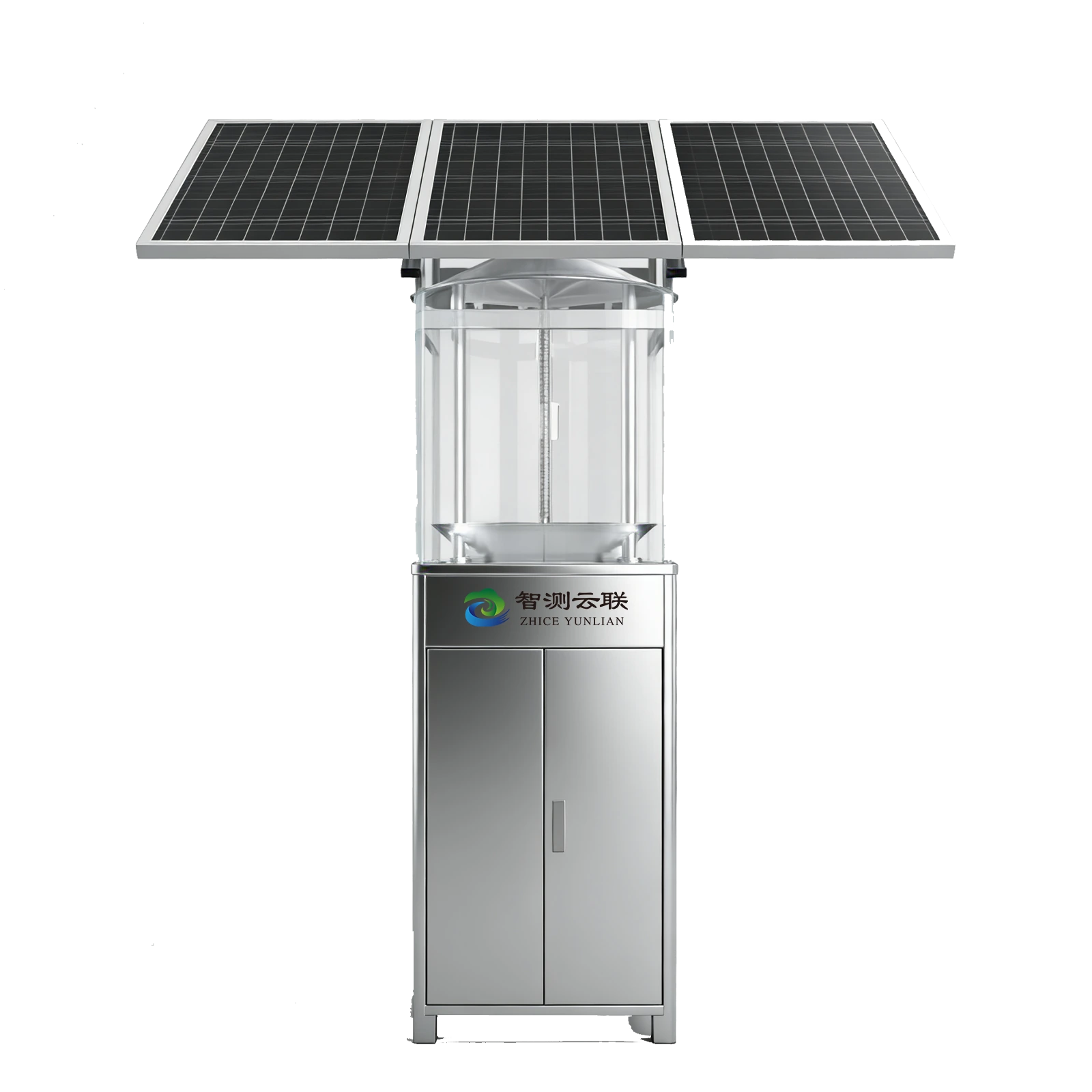
Pest images.
Your AI. Your decisions.

Capture field pest images and plan delivery to your own platform. Use your vision model to identify and count target pests, with operators reviewing the results.

YOUR VISION AI / PROJECT WORKFLOW

“Which pests appear in these images, and how are counts changing?”

INPUTS
Pest images · Device ID · Capture time
ANALYSIS
Plan identification and counting with your own vision model.
DELIVERY
Your server · Agreed interface · Operator review.
Explore pest monitoring ↗

Illustrative pest scene and workflow. Direct image delivery requires project integration.

FIELD APPLICATION / WEATHER

See the conditions.
Explain the changes.

Bring wind, rainfall, temperature and station records into a traceable weather monitoring workflow.

AN ILLUSTRATED AI TASK

“Which observations need a closer review?”

INPUTS
Station · Time period · Quality flags
ANALYSIS
Review trends, gaps and the available evidence.
CONTROL
Authorized data. Traceable scope. Human review.
Weather instruments ↗

Illustrative landscape and workflow. Not a customer deployment.

FIELD APPLICATION / WATER

Watch the water.
Connect the evidence.

Review water measurements with rainfall, sampling context and the information needed to interpret a change.

AN ILLUSTRATED AI TASK

“What changed across the selected water measurements?”

INPUTS
Measurement point · Medium · Time range
ANALYSIS
Compare valid data and prepare a reviewable report.
CONTROL
Authorized data. Traceable scope. Human review.
Water & hydrology ↗

Illustrative landscape and workflow. Not a customer deployment.

FIELD APPLICATION / FOREST & ENVIRONMENT

Observe the environment.
Plan the response.

Connect site observations, weather and alert records to support an operator’s investigation.

AN ILLUSTRATED AI TASK

“Which conditions and alerts should the team review?”

INPUTS
Site records · Weather · Alert history
ANALYSIS
Explain observations and prepare actions for review.
CONTROL
Authorized data. Traceable scope. Human review.
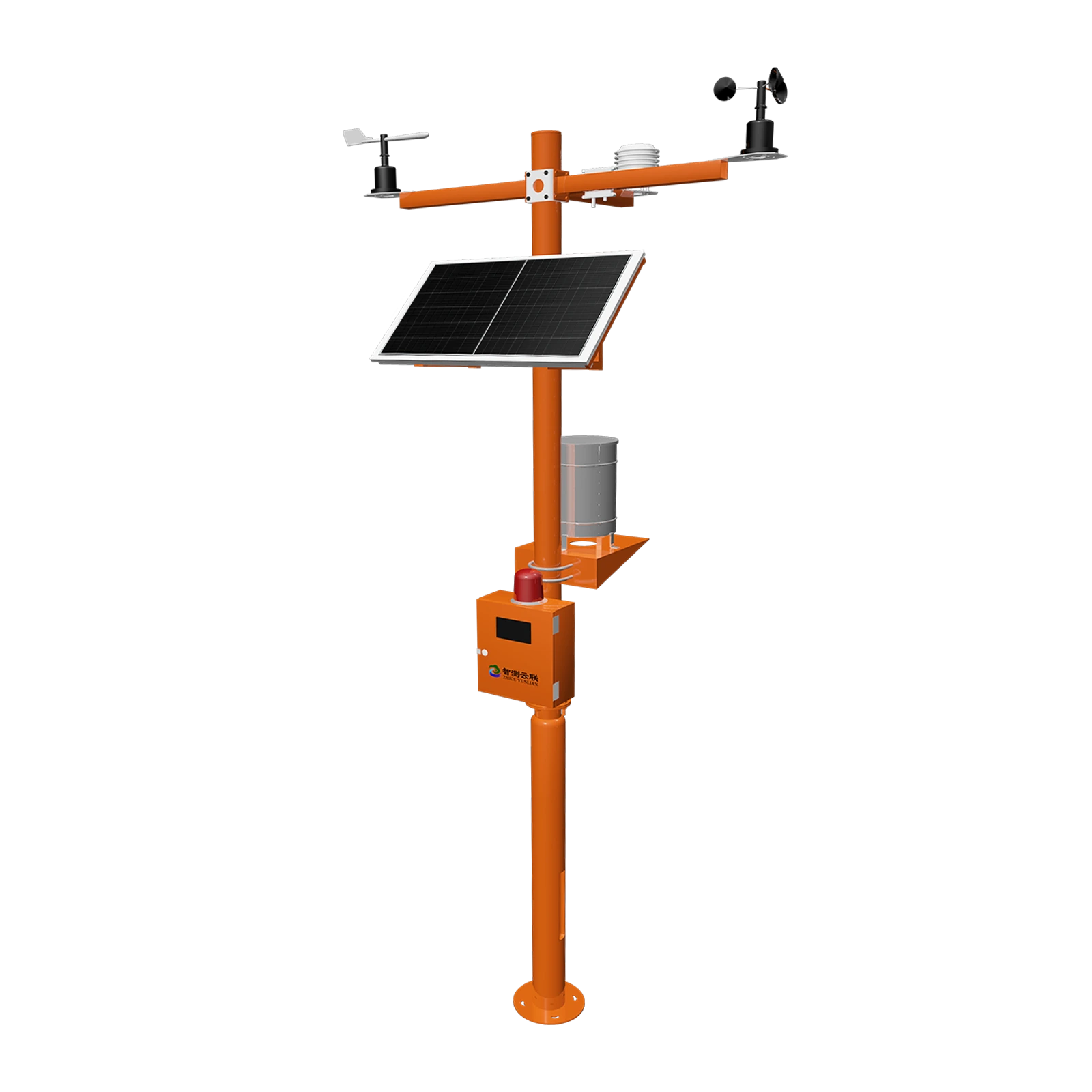
Forest weather station ↗

Illustrative landscape and workflow. Not a customer deployment.

Context first. Comparable measurements. Reviewable conclusions.01 / INPUT → 02 / ANALYSIS → 03 / REVIEW

Working with pest images? Use your own vision model through an agreed image-delivery integration ↗. Target species, recognition performance and any ZhiCloud vision model require their own project evidence.

Behind an informed decision

From a reading
to a reason.
Then a response.

The numerical engine calculates. The agent explains. Your team stays in control.

ZHICLOUD / WORKFLOW EXPLAINER01 — 04

Start with the source.

Identify the devices, indicators, sampling period and available records before asking the model to explain a change. Add approved manuals and site records; confirmed site memory can be reviewed, corrected or removed by your team.

DEVICE CONTEXT
Site, sensor and measurement depth
DATA QUALITY
Valid · Anomalous · Questionable · Missing
ANALYSIS SCOPE
Device · Period · Sample availability
SPATIAL CONTEXT
Asset · Point · Line · Area · 3D scope
ACCESS
Only data authorized for the user
ZHICLOUD / WORKFLOW EXPLAINER02 — 04

Calculate first. Explain second.

Maximum, minimum, average, median, sample count and trends come from the numerical engine. The agent connects those results with approved knowledge and site context, preserving measurement depth, height, medium and sampling basis.

START OF SELECTED PERIODLATEST OBSERVATION
ILLUSTRATIVE COMPARISON / NO LIVE VALUESScope + quality + context
ZHICLOUD / WORKFLOW EXPLAINER03 — 04

Evidence you can take with you.

Prepare a structured report with facts, risks, proposed actions, sources and limitations. Export supported reports as PDF or Excel.

01 / OBSERVED FACTSCalculated results with their device and time range.02 / INTERPRETATIONRelevant context, uncertainty and missing evidence.03 / REVIEW & NEXT STEPSProposed actions and items requiring confirmation.
ZHICLOUD / WORKFLOW EXPLAINER04 — 04

Keep the operator in the loop.

Configuration changes follow prepare, confirm, submit and read-back steps. Field actuation requires compatible control equipment and a reviewed integration.

Proposed action → Operator confirmation
→ Execution → Read-back record

Equipment control is scoped to the selected project.
ALERT WORKFLOW
Review · Acknowledge · Track recovery
BEFORE EXECUTION
Review scope and expected effect
AFTER EXECUTION
Read actual status and retain the record

Interactive workflow illustration, not a software screenshot or live device feed. Available interfaces, language and implementation are confirmed for the project.

Your data. Your environment.

Local ZhiCloud workspace

Customer computer or local network

DEVICE DATAKNOWLEDGEMODEL INFERENCE

Choose where intelligence runs

Closer to your data.
On your terms.

Use a browser, a Windows workspace or a local deployment. Choose the environment that fits your operating and data requirements.

01 / Local deployment

Device data, documents, confirmed memory, retrieval and model inference can remain on your own computer or LAN, without a cloud account or external internet connection. Confirm model packages, hardware and licensing for the project.

02 / Windows desktop

A desktop workspace with a local document library and offline access to cached material. Offline cache access is distinct from fully local AI inference.

03 / Cloud workspace

Browser access to the selected tenant workspace, connected data and analysis tools. Confirm hosting region, network access and data handling for your destination market.

Connect to your own platform and AI ↗

From possibility to a pilot

Put your field data
to work.

Start with your site, your equipment and the question you need to answer. Define a practical first use together.

Discuss a pilot project